

Every project, together
Keep sessions in one sidebar. Archive conversations, fork a reply, and return to the work that matters.
OPEN SOURCE. BUILT IN RUST.
A universal UI for coding harnesses. Work locally or over SSH, keep every conversation together, and pick up from your browser.
Linux · macOS · Windows
Open Agentaps, select New, and pick a local folder or an SSH path.
Choose an ACP-compatible agent with your existing setup and authentication.
Send a prompt, follow tool activity, and review the changes alongside your chat.
THE WORKSPACE
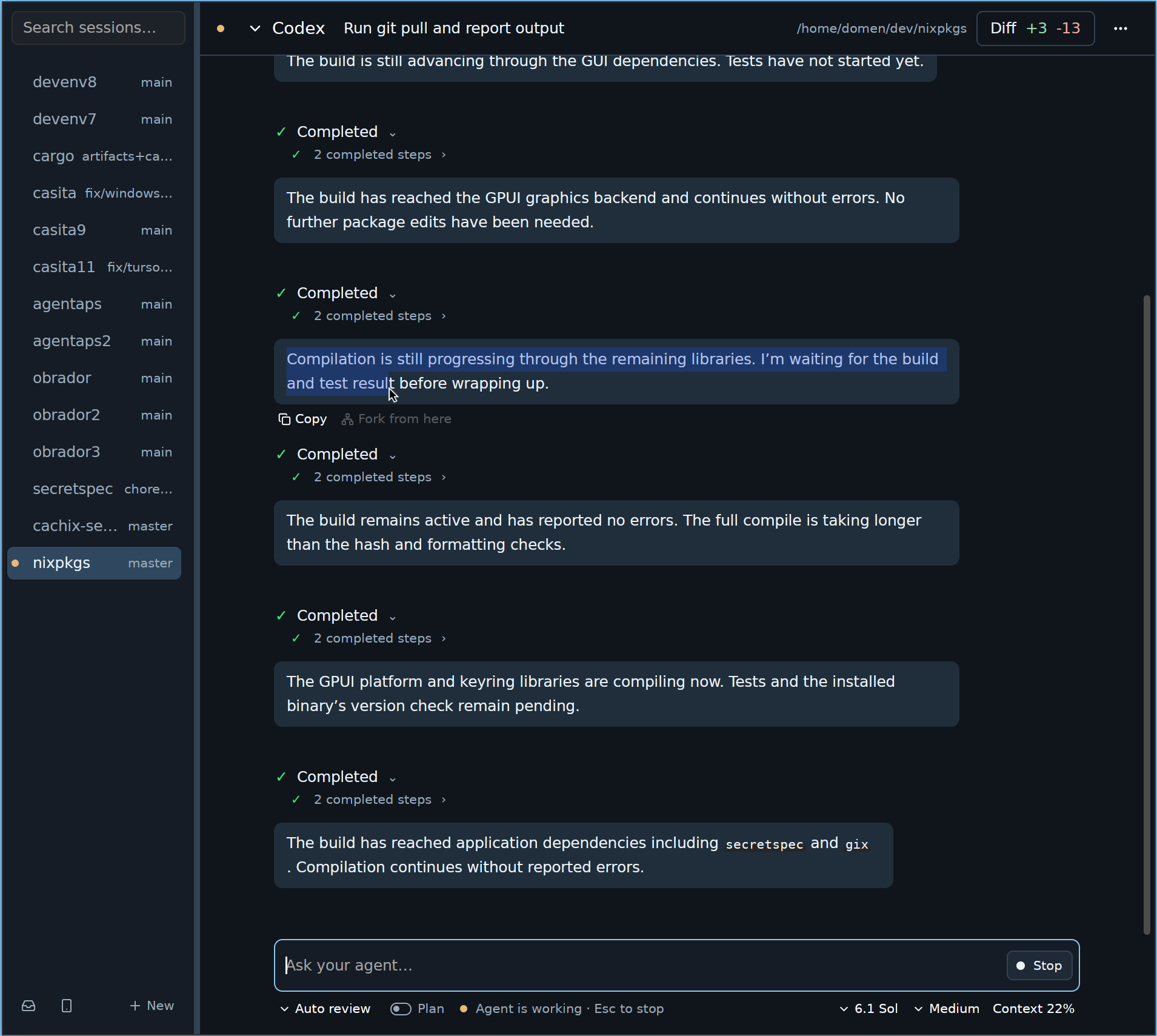
Projects, agent activity, and changes in one view. Less switching. More doing.
BRING YOUR OWN AGENT
Agentaps speaks Agent Client Protocol. Connect your agent directly or through an ACP adapter.
BUILT FOR HOW YOU WORK
Keep sessions in one sidebar. Archive conversations, fork a reply, and return to the work that matters.
Run agents on a server using your existing SSH setup. Follow the conversation from your desktop.
Inspect local changes in unified or split diffs beside the conversation, without leaving your workspace.
Read conversations, send prompts, and answer permission requests through an encrypted Iroh connection.
REMOTE CONTROL
Open the phone icon in Agentaps and scan its QR code. Your agents keep running on your desktop. Your browser goes with you.
Open Remote ControlEncrypted peer-to-peer connection · No mobile app required
Projects and agent processes stay here.
Pair once with a QR code.
Unlock with a passkey or passphrase.